


Pick your game and press start, on Wi-Fi and mobile data. Games like CoD Mobile only work through this app.
Download for Android0.3.1Every game is liveZIPER DNS
Locked out of logins and stores?One DNS address opens game sign-in and stores.
Every game works on PS5, Xbox, PC and phones. On consoles you just change the DNS; on PC and Android the ziper app connects you with one button. You're set in minutes.
Checking…
Every game and store works on every platform- 2minTo get set
- 4platformsPS · Xbox · PC · Mobile
- 1buttonWith the ziper app on PC and Android
- 1dayFree trial
- 3connectionsAt once on one plan
- 10–22Support, every day
Every game
With ziper, every game you want is live.
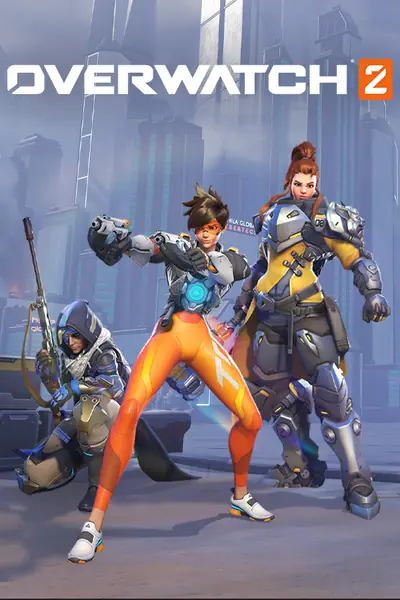
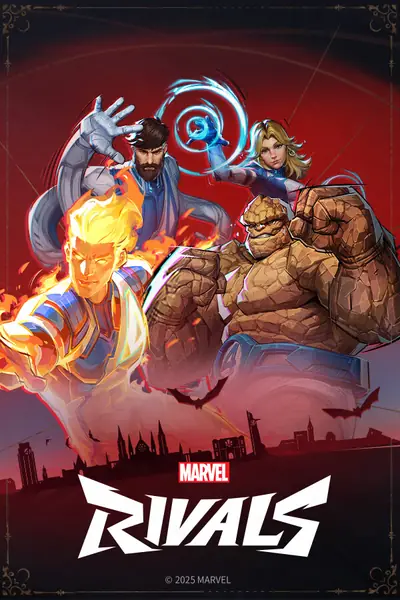
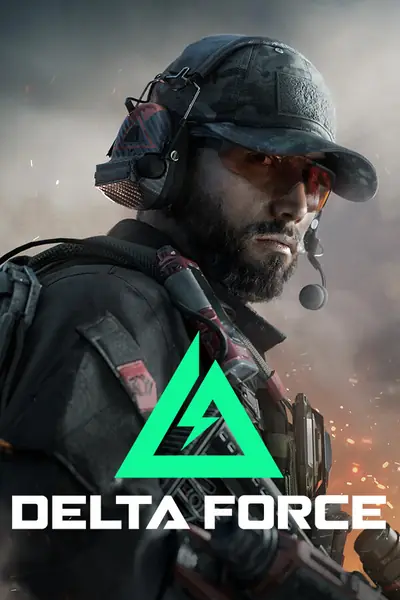
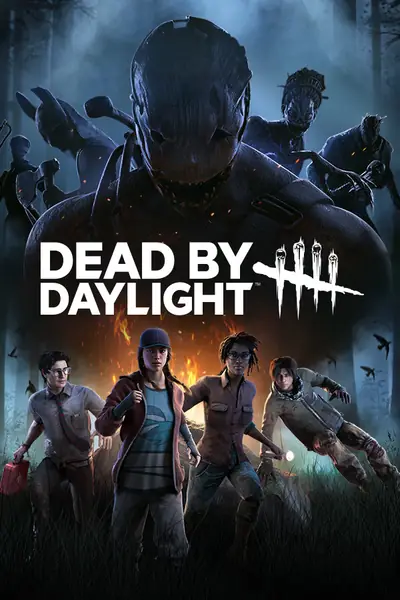
From Call of Duty and FC to Valorant and Fortnite — sign-in, store and updates all open, on every platform. Mobile games marked “Dedicated connection” run in the ziper Android app over a connection just for that game.
Mobile
Fortnite and Minecraft over DNS; CoD Mobile, PUBG Mobile and the Clash games over a dedicated connection in the ziper app12 games live
PC
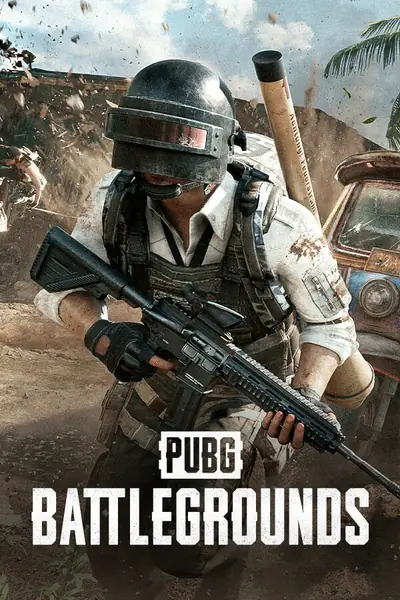
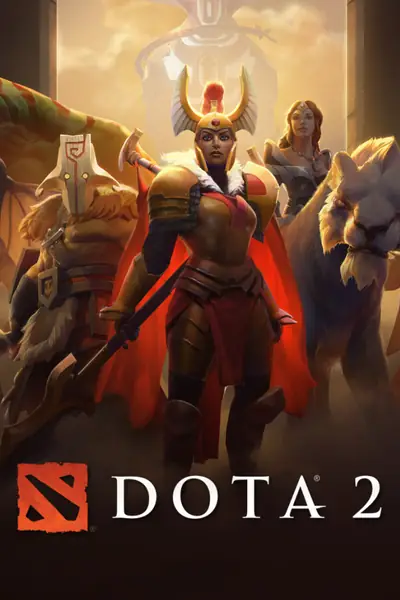
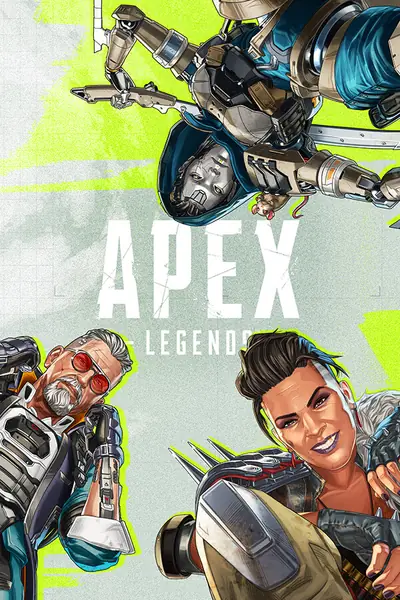
The most-played online games on PC12 games live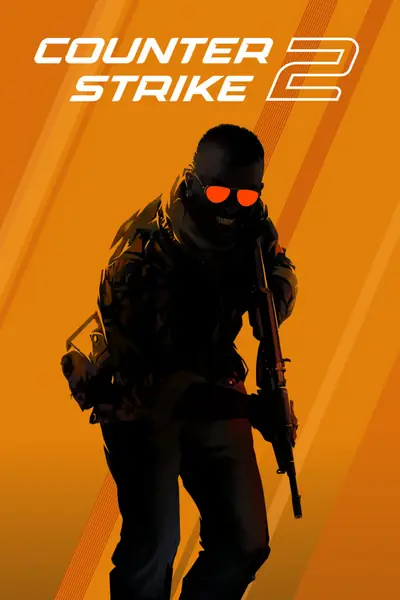
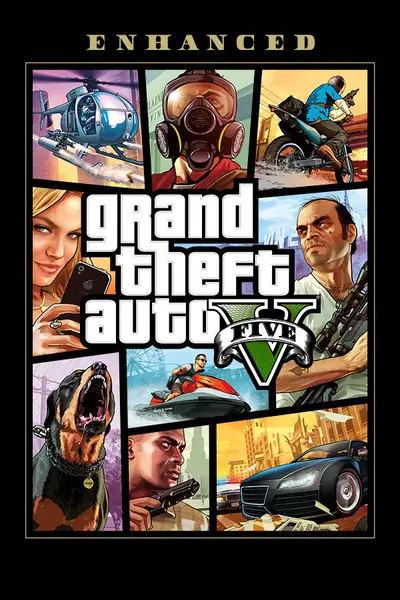
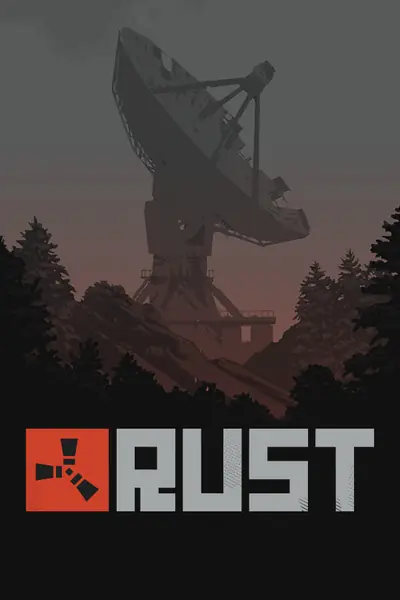
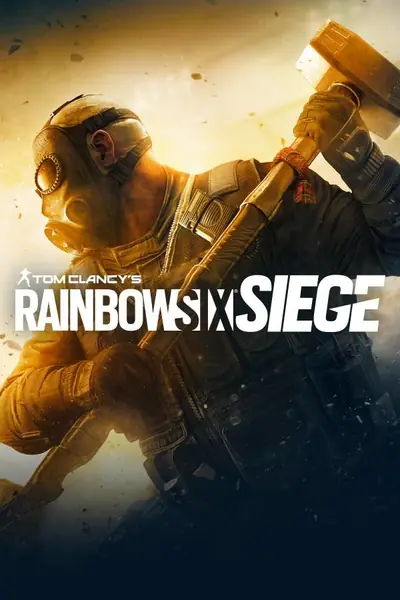
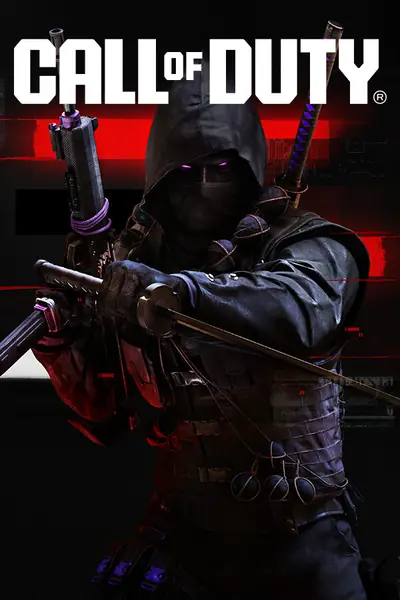

Console
PS5, PS4, Xbox Series and Xbox One11 games live

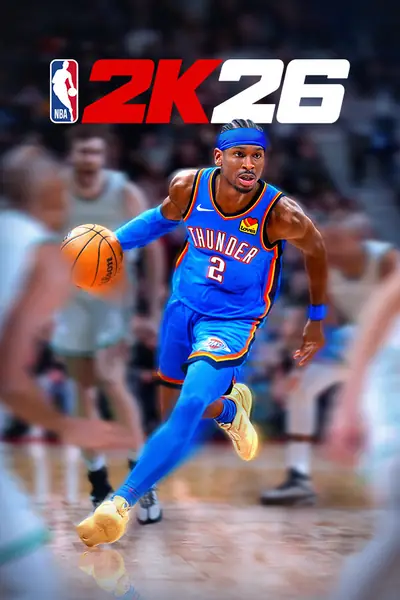

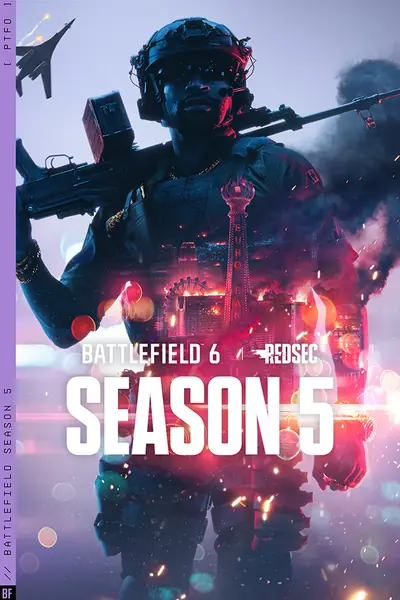
These are live too
- Valorant
- League of Legends
- Warframe
- War Thunder
- Honor of Kings
- Stumble Guys
- 8 Ball Pool
- Among Us
Platforms
Console, PC, phone — all set
Whatever you play on, its network and store open up: consoles by changing the DNS, PC and Android with the ziper app.
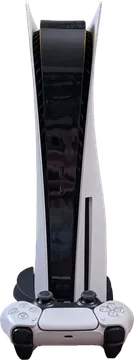 PlayStationLivePS5 · PS4
- PlayStation Network
- PS Store
- PS Plus
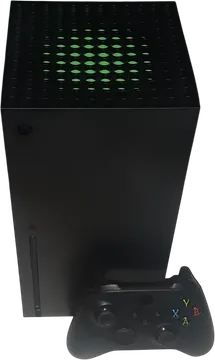 XboxLiveSeries X|S · One
- Xbox Live
- Microsoft Store
- Game Pass
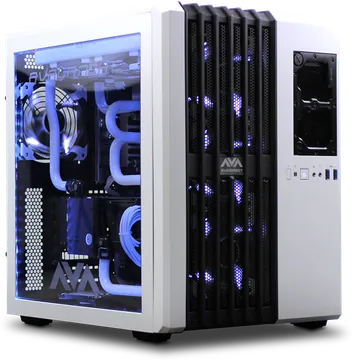 PCLiveWindows 10 · 11
- Steam
- EA App
- Ubisoft Connect
- Battle.net
- Epic Games
- Riot Client
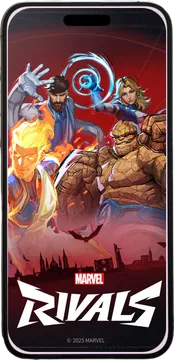 MobileLiveAndroid · iPhone
- Google Play Games
- Game Center
- Mobile games
Device photos from Wikimedia Commons: PS5: Osh33m, Soberian (CC BY-SA 4.0) · Xbox: Der. Bellemer (CC BY 4.0) · PC: Cmccarthy8 (CC BY-SA 4.0) · Phone: Ka Kit Pang (Public domain)
On every device
One DNS, every device
Pick your device to see exactly the screen where your DNS goes.
Let's set it upWhat do you play on?
This is exactly where your DNS goes
Settings › Network › SettingsFull guide PlayStation
ziper apps
On PC and Android, our own app makes it easy
Manual DNS works too, but we recommend the ziper app: one button connects you, your internet is registered automatically, and because the app is ours, support can help you faster and more precisely.
How to install the apps PS5, Xbox or iPhone? Manual DNS gets you set in minutes.One button and you're connected; only games go through ziper and the rest of your internet is untouched.
Download for Windows0.2.1How it works
Three steps to your first sign-in
- 1
Sign up, start the trial
Sign up with your mobile number and a texted code; the free trial starts with one button.
- 2
Register your internet
Open the page on a phone on the same Wi-Fi and press register. Keep VPN off.
- 3
Set the DNS, we do the rest
Enter the DNS address in your device settings (the same address in both DNS fields). Your panel shows the connection live. On PC and Android, the ziper app does this with one button.
Pricing
Gaming DNS, simple plans
Monthly
125,000Toman
30 days
- Every game live
- PS5, PS4, Xbox, PC and phones on Wi-Fi
- Up to 3 internet connections
- Chat support in your panel
3 months
Best value293,000Toman
90 daysAbout 98,000 a month22% less
- Every game live
- PS5, PS4, Xbox, PC and phones on Wi-Fi
- Up to 3 internet connections
- Chat support in your panel
Yearly
1,124,000Toman
365 daysAbout 94,000 a month25% less
- Every game live
- PS5, PS4, Xbox, PC and phones on Wi-Fi
- Up to 3 internet connections
- Chat support in your panel
Card transfer · Activated automatically once the transfer lands (usually a few minutes) · The Mobile subscription (dedicated game connection on Android) has the same prices
FAQ
Good to know first
Good to know: Ping and match speed are your own internet's. ziper lifts the sanctions on sign-in, accounts and stores.
Didn't find your answer?
Chat with supportWhich games work?
All of them. Any online game whose sign-in, account or store is locked by sanctions opens with ziper — on PS, Xbox, PC and phones.
Will it lower my ping?
No, and we won't pretend it does. ziper only changes the route for sign-in, accounts and stores. The match runs on your own internet, so your ping is what your internet gives you.
Do I have to install an app?
Not for consoles: get your DNS on this site and enter it in the console settings. On PC and Android we recommend the ziper app: one button connects you and support is faster. Mobile games like CoD Mobile only work through the Android app. Get it on the «Download app» page.
Could my account get banned?
We cannot guarantee it won't. Game companies' rules may forbid this method, and the final say is theirs.
What if my internet IP changes?
Open your panel and press register internet again. We keep up to 3 IPs for you. The ziper app does this by itself.
How do I go back?
Set the DNS back to Automatic in your device settings. Done. In the ziper app, just press disconnect.
Start today. No card needed.
The free trial starts with one button. Like it? Pick your plan.